I was asked by a friend to give a quick rundown on Mikrotik CAPSMAN configuration, so I dumped the config and added some notes. :)
Packages
I’m currently running v6.38 but was running about v6.2 only a week or so ago - make sure you have the “wireless” package enabled. Older RouterOS versions required the capsman-v2 package, which is now deprecated.
  > /sys package print
  Flags: X - disabled
   #   NAME                   VERSION
   0   routeros-mipsbe          6.38
   1   system    				6.38
   2   ipv6      				6.38
   3   wireless  6.38
If there was an X, enable it (in this example /sys package enable 3) - remember you’ll need to reboot after enabling a package.
 Santa’s here with presents!
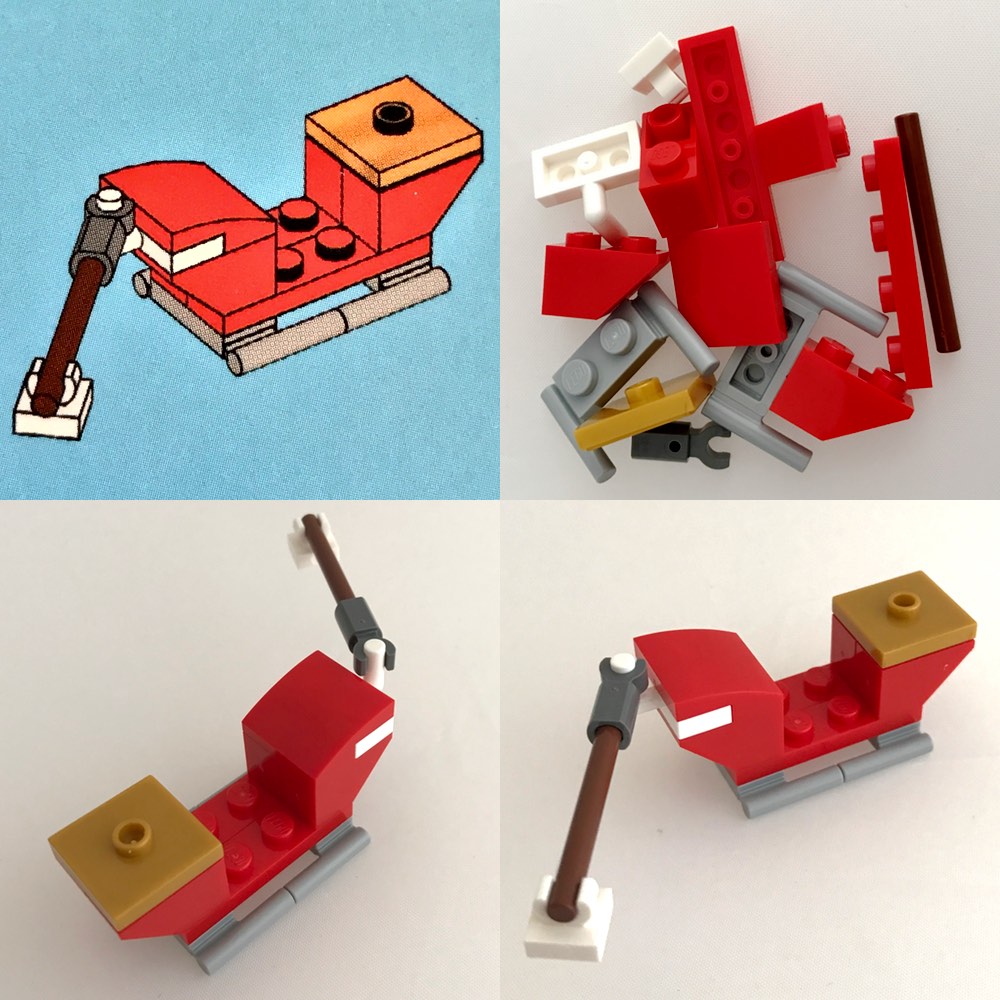 Santa’s sleigh
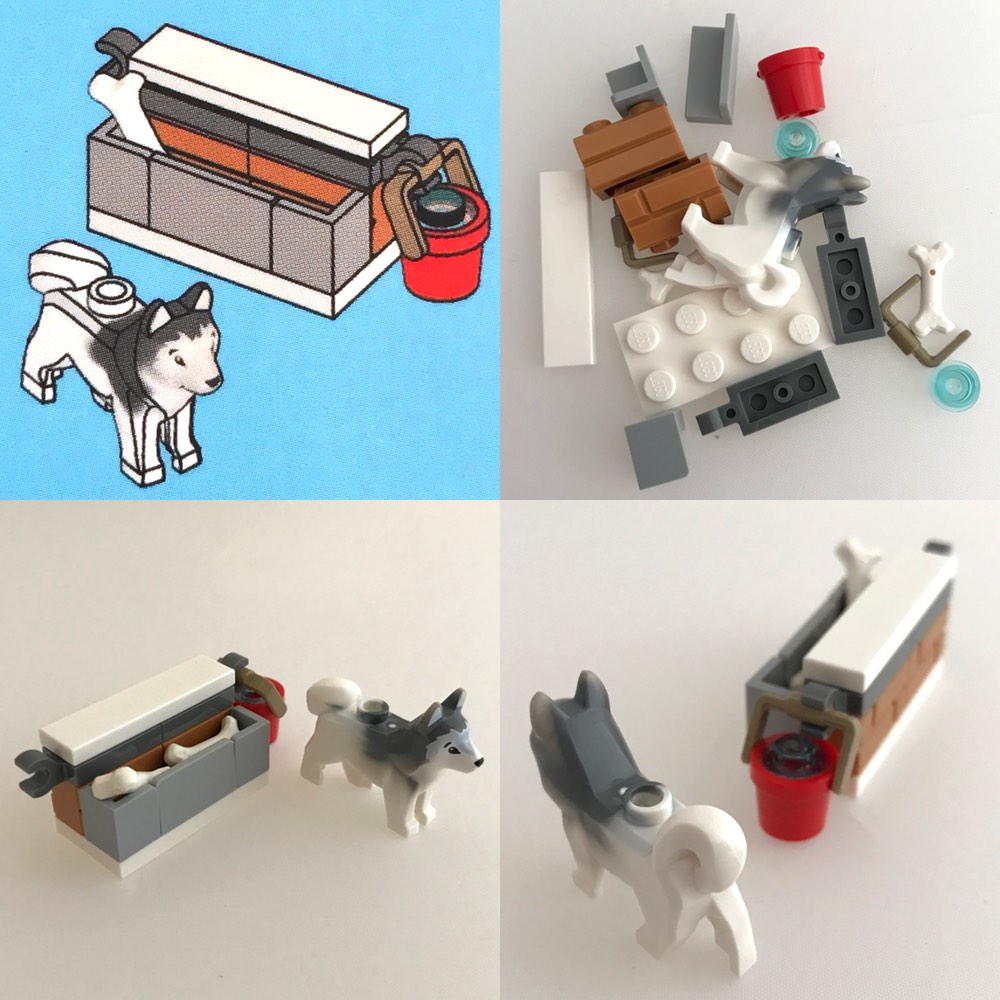 Today we have a cute puppy and his toys
 A lovely tree to put